
The Best Cold Wallets for Crypto Beginners in 2026: Your Complete Guide to Secure Storage
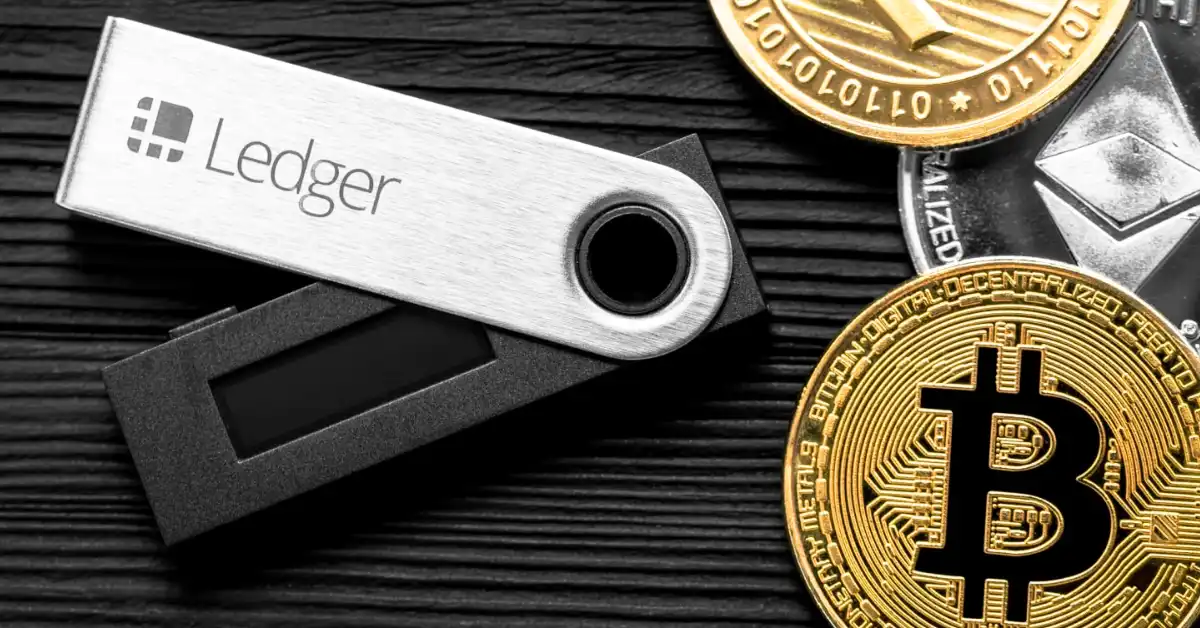
Cold wallets, also known as hardware wallets or cold storage solutions, represent one of the most important steps for anyone serious about cryptocurrency security. Unlike hot wallets connected to the internet, cold wallets keep your private keys offline, dramatically reducing risks from hacks, malware, phishing, and exchange failures. For beginners, choosing the right one balances security, ease of use, supported assets, and affordability.
This comprehensive guide analyzes the top options, explains key concepts, and helps you select the best cold wallet for your needs. Whether you’re holding Bitcoin, Ethereum, or a diversified portfolio, proper cold storage is essential for long-term peace of mind.
What Is a Cold Wallet and Why Do Beginners Need One?
A cold wallet stores private keys in an offline environment. Transactions are signed on the device and broadcast via a companion app or computer without exposing keys to the internet. This “air-gapped” or semi-air-gapped approach protects against remote attacks that plague software wallets.
Key benefits for beginners:
- Protection against online threats.
- Control over your assets (true self-custody: “Not your keys, not your crypto”).
- Peace of mind for long-term holding (“HODLing”).
- Learning opportunity about seed phrases, PINs, and verification.
Common risks without one include exchange hacks or compromised phone/desktop wallets. For small amounts (<$100–500), a reputable hot wallet may suffice temporarily, but anything significant deserves cold storage.
Key Features to Look for in a Cold Wallet as a Beginner
When evaluating options, prioritize:
- Ease of Setup and Use: Guided apps, intuitive interfaces.
- Security: Secure Element chips (EAL5+/EAL6+), open-source firmware (where possible), tamper resistance, PIN/passphrase protection.
- Asset Support: Bitcoin, Ethereum, major altcoins, tokens.
- Connectivity: USB, Bluetooth, NFC, QR codes (air-gapped is more secure but less convenient).
- Price: $50–$250 range for starters.
- Backup and Recovery: Seed phrase handling (12–24 words); some offer multi-card or Shamir backups.
- Mobile/Desktop Compatibility: Essential for everyday checking.
- Reputation and Track Record: Avoid unproven devices; buy only from official sources.
Avoid buying used or from third parties to prevent tampering.
Top Cold Wallets for Beginners in 2026: Ranked and Reviewed
1. Tangem Wallet – Best Overall for Beginners
Tangem stands out as the top recommendation for newcomers in 2026. These credit-card-sized NFC cards use secure chips (similar to biometric passports) and require no battery or cables.
Pros:
- Extremely simple: Tap your phone to set up and sign transactions.
- No traditional seed phrase hassle in some setups (cards can back each other up).
- Portable, durable, and discreet.
- Supports thousands of assets.
- Affordable: 2–3 card sets ~$55–$70.
Cons:
- Relies on NFC/phone (less ideal for pure air-gapped purists).
- Not fully open-source.
Ideal for: Beginners who want minimal friction. Many users call it “set-it-and-forget-it” secure storage that feels like a normal card wallet.
2. Ledger Nano S Plus / Nano X / Flex – Most Popular and Versatile
Ledger dominates the market with excellent app support via Ledger Live. The Nano S Plus is a strong budget entry (~$79), while the Nano X adds Bluetooth for mobile use (~$149), and Flex offers a modern E-Ink touchscreen.
Pros:
- Supports 5,500+ assets.
- Secure Element chip for strong hardware isolation.
- User-friendly Ledger Live app with staking, NFT support, and swaps.
- Guided setup walks beginners through every step.
Cons:
- Firmware is not fully open-source (some prefer Trezor for transparency).
- Past data breach (non-funds related) affected customer trust.
- Requires careful seed phrase backup.
Best for: Beginners with diverse portfolios who want broad compatibility and mobile convenience.
3. Trezor (Safe 3 / Safe 5 / Model One) – Best Open-Source Option
Trezor emphasizes transparency with fully open-source firmware and software. The Safe 3 is an affordable entry point.
Pros:
- Complete auditability builds long-term trust.
- Excellent on-device verification.
- Shamir Backup for splitting seed phrases.
- Strong Bitcoin focus with good multi-coin support.
Cons:
- Fewer assets than Ledger in some cases.
- No Bluetooth on base models (USB primarily).
- Slightly steeper learning curve for absolute beginners.
Ideal for: Users who value open-source principles and are willing to learn a bit more. Great reputation for reliability.
Other Strong Contenders
- Ellipal Titan / SafePal S1: Excellent air-gapped (QR code only) options for maximum isolation. Metal builds and touchscreens. Good for paranoid security but slower for frequent use.
- OneKey, BitBox02, D’CENT: Solid alternatives with unique features like fingerprint auth or compact designs.
- Coldcard: Bitcoin-only for advanced users seeking ultimate BTC security.
Comparison Table (approximate 2026 values):
| Wallet | Price | Best For | Connectivity | Asset Support | Key Strength |
|---|---|---|---|---|---|
| Tangem | $55–70 | Absolute beginners | NFC | High | Simplicity & Portability |
| Ledger Flex/Nano X | $149–249 | Versatile portfolios | Bluetooth/USB | 5,500+ | App Ecosystem |
| Trezor Safe | $60–180 | Open-source fans | USB | High | Transparency |
| Ellipal/SafePal | $50–150 | Air-gapped security | QR Codes | Very High | Isolation |
How to Set Up Your First Cold Wallet: Step-by-Step for Beginners
- Purchase: Buy directly from the manufacturer’s official website or authorized resellers.
- Unbox and Verify: Check for tamper-evident seals. Never use a pre-setup device.
- Initialize: Follow the app’s on-screen instructions. Generate a new seed phrase on the device (write it down securely—never digitally).
- Backup: Store the seed phrase offline (metal plates recommended for fire/water resistance). Consider multi-location or Shamir shares.
- Test Small: Send a tiny amount first to verify receiving and sending.
- Update Firmware: Keep software current but verify sources.
- Daily Use: Check balances via watch-only mode in companion apps; only connect the device when signing transactions.
Pro Tip: Practice recovery with a test wallet before committing real funds.
Security Best Practices Beyond the Device
- Never share your seed phrase.
- Use a strong, unique PIN and consider passphrases for added security.
- Store backups in multiple secure, hidden locations (not on your phone or cloud).
- Beware of phishing: Always double-check URLs and addresses on the device screen.
- Enable 2FA on related accounts.
- For large holdings, consider multisig setups (e.g., multiple devices).
- Regularly test access to your funds.
Remember: The wallet is a tool—your habits determine overall security.
Common Mistakes Beginners Make
- Buying from Amazon/eBay (tampering risk).
- Storing seed phrases digitally or in plain sight.
- Sending large amounts without testing.
- Ignoring firmware updates or using unofficial software.
- Choosing convenience over security for significant holdings.
Cold Wallet vs. Hot Wallet: When to Use Each
Use hot wallets (e.g., MetaMask, Trust Wallet) for small daily spending or DeFi. Transfer larger amounts to cold storage for holding. Many users keep a “hot” portion for trading and the majority cold.
Future-Proofing Your Crypto Storage
In 2026, trends include better mobile integration, E-Ink screens for readability, improved multi-sig, and biometric options. Choose a wallet with active development and community support. As regulations evolve, self-custody becomes even more valuable.
Conclusion: Start Simple and Scale Up
For most beginners, Tangem offers the best balance of simplicity and security, making the transition from exchanges painless. Ledger provides unmatched versatility, while Trezor appeals to those prioritizing openness.
Whichever you choose, the act of moving to a cold wallet marks a major step toward financial sovereignty. Start small, learn the process, and gradually secure more of your portfolio. Research thoroughly, buy from official sources, and never rush. Your future self will thank you for the security and control.
